
Headout · Visual design & UX · Systems
Scalable icon system
Headout is a global marketplace for tours, activities, and experiences, connecting travelers with everything from landmark tickets to local adventures across 300+ cities, mostly through its mobile app. New experience categories were launching all the time, which is exactly why the icons couldn't keep up.
My role
Visual design & UX. I owned this end to end, auditing the existing library, reframing the brief, defining the grid system, and drawing the full set myself.
Context
Headout was shipping new feature categories faster than its icon library could keep up. The icons came from a licensed third-party set, with custom ones drawn ad hoc whenever there was a gap, so the licensed and custom icons sat side by side, never quite matching. The brief landed on my desk as a small one-off task: make a few more in the same style.
Where I pushed back
I could see the real backlog wasn't a handful of icons, it was 90+, across categories that would only keep multiplying. Drawing them one at a time would have deepened the exact inconsistency we were trying to fix, and kept us dependent on a library we didn't own or control.
So I reframed the work to define the rules that make every future icon match itself. I made the case for building the system, and I got to build it.
How I built it
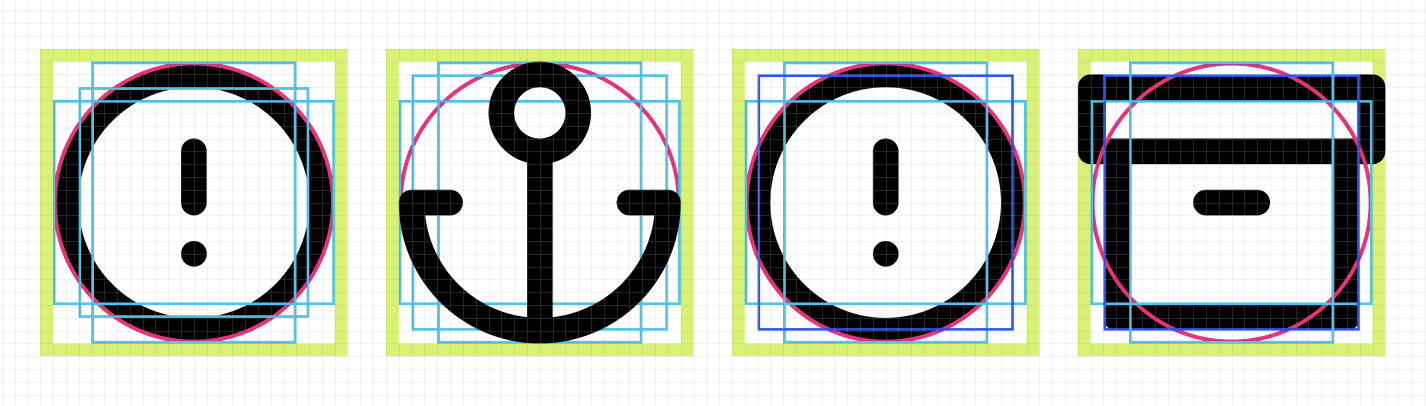
I studied how the mature systems are built, Material, Salesforce, to find the shared grammar behind a set that scales. Then I reverse-engineered the third-party library to recover its underlying logic: a 24×24 grid, bleed zones, keyline shapes.
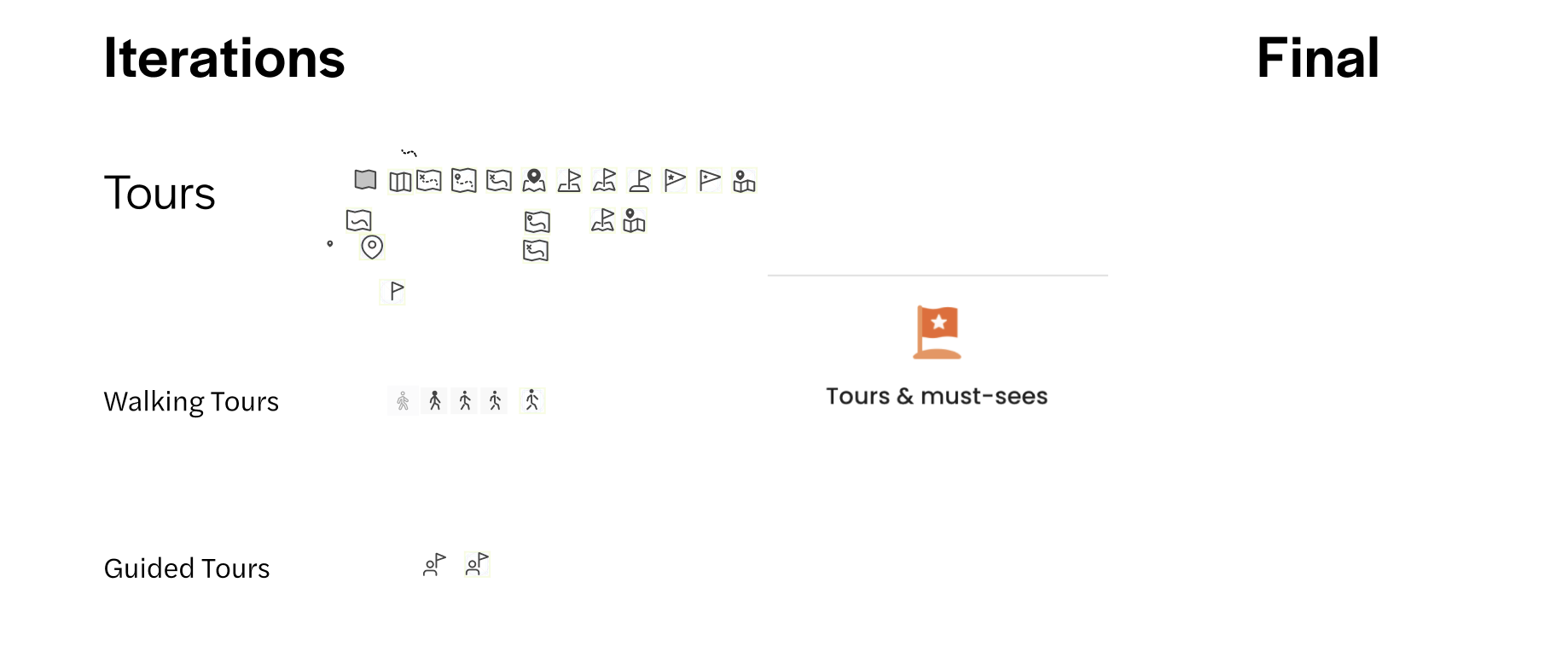
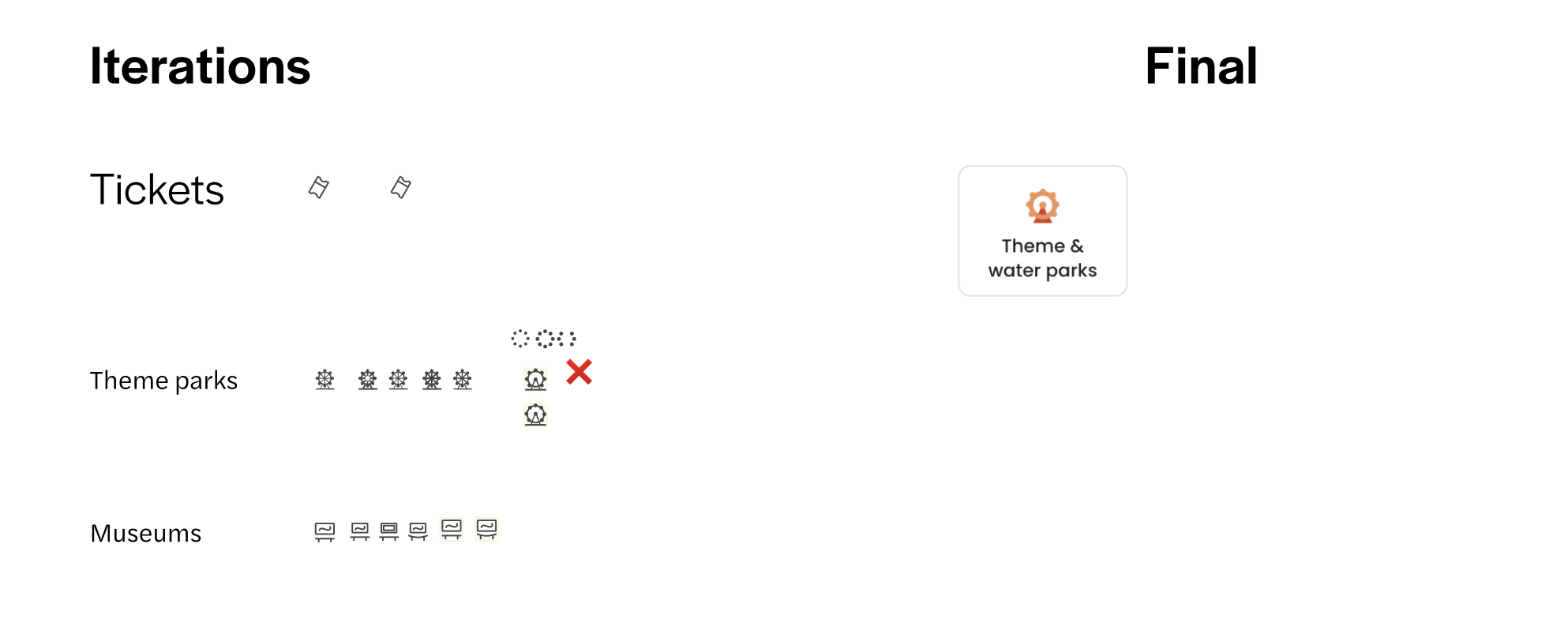
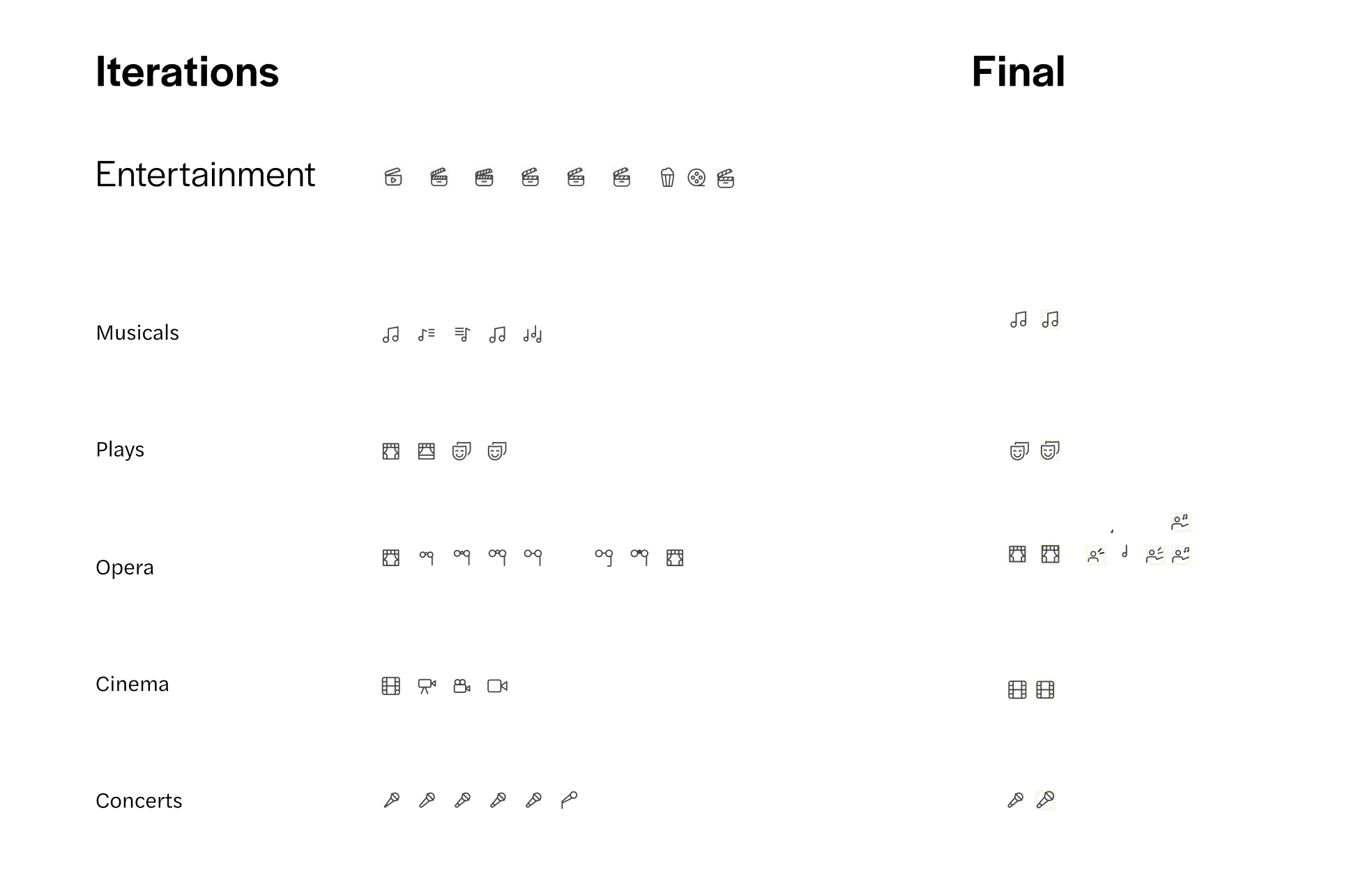
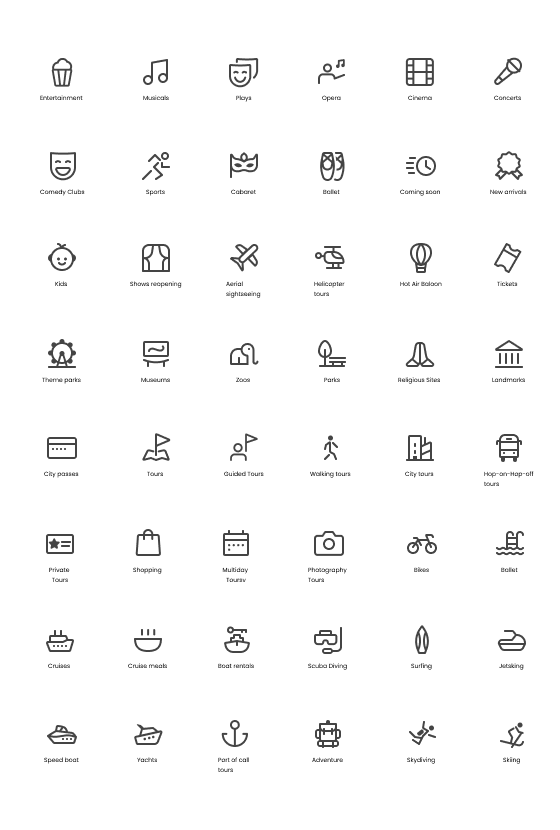
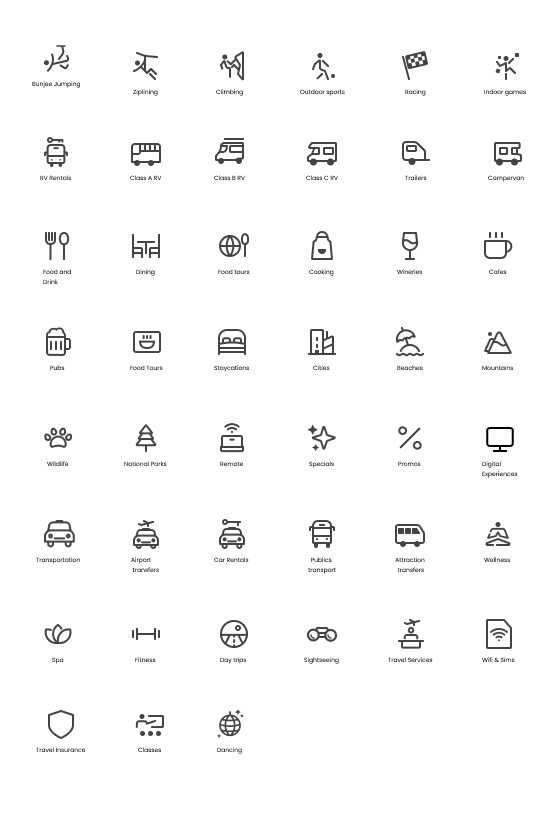
From there I rebuilt it for Headout. I moved to a 16×16 grid so the icons stayed crisp at the small sizes the app actually uses, then standardized stroke width, corner radius, and negative space, so consistency was structural, not something I had to eyeball icon by icon. With the framework set, I drew all 90+ icons against it, iterating each one until the whole set spoke in a single voice.

What it changed
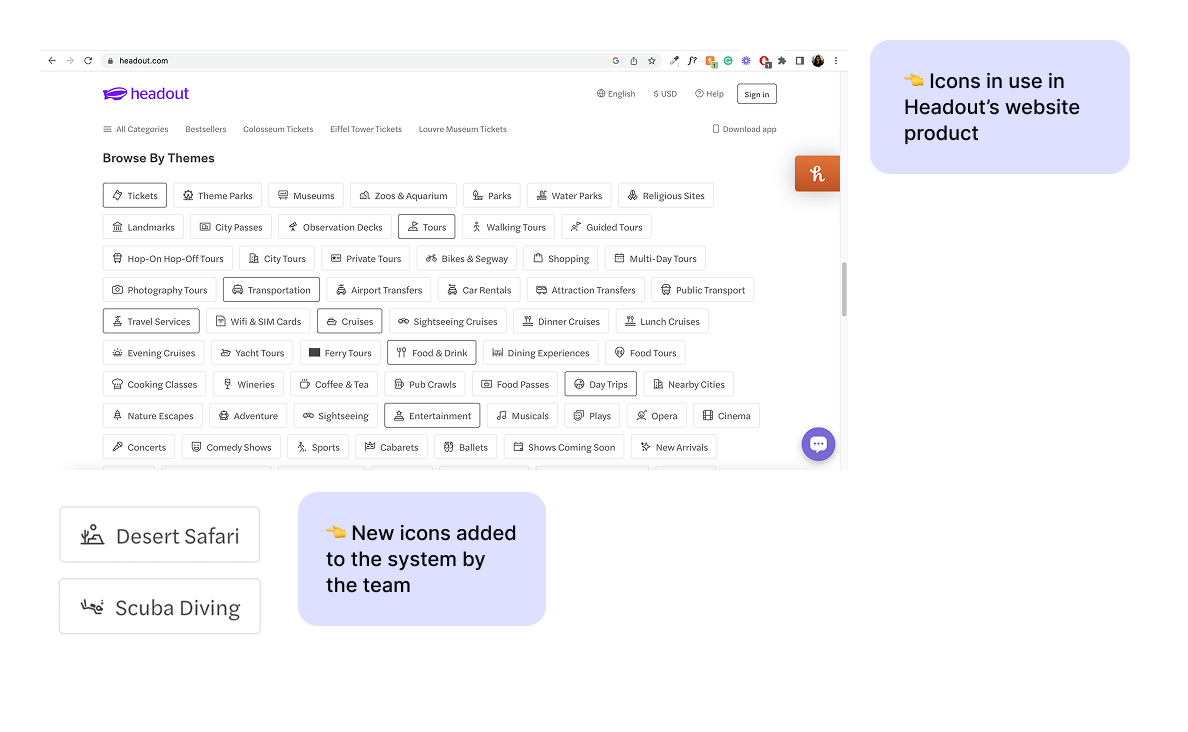
One visual language replaced the scattered ad-hoc icons. New categories could now extend the system without me in the loop, scalability lived in the rules, not in the person about to design it. And the usage guidelines meant designers, engineers, and product managers could add icons without guessing, so the system held its shape long after I handed it off.
If I'd had more time
Animated icons for microinteractions, readability testing across screen sizes, and automating icon handoff to engineering.
Designed and Coded by Anisha with the help of Cursor